Dynamic QR codes you can edit after printing
Every scan opens something beautiful.
Make one in a minute. Point it somewhere new whenever you need to, and see how many people scan it.
- No signup to try
- Free plan forever
- Codes never expire
Colour
Pattern
The PNG is a free static code. Editable codes can change after printing and count every scan.
Try it on your phone
See what people get when they scan.
A dynamic code can open a proper mobile page, not just a link. Pick one below and scan it with your phone to try it.
Point your phone camera here
Change dishes and prices any time. The code on the table stays the same.
Built to change
Print once. Update forever.
Change where a code points whenever you like, and watch how people use it.
Edit after printing
Seasonal menu, new offer, moved venue. Just update it.
The Golden Fork
Scan for today’s menu
Spring menu
Asparagus, peas & mint
Same printed code. No reprint.
See every scan
When, where and on what device. Tap through the tabs.
Made for the real world
Wherever you print, it pays off
Menus that change as often as your kitchen does
- Update dishes and prices in seconds
- One code on every table, forever
- See your busiest hours
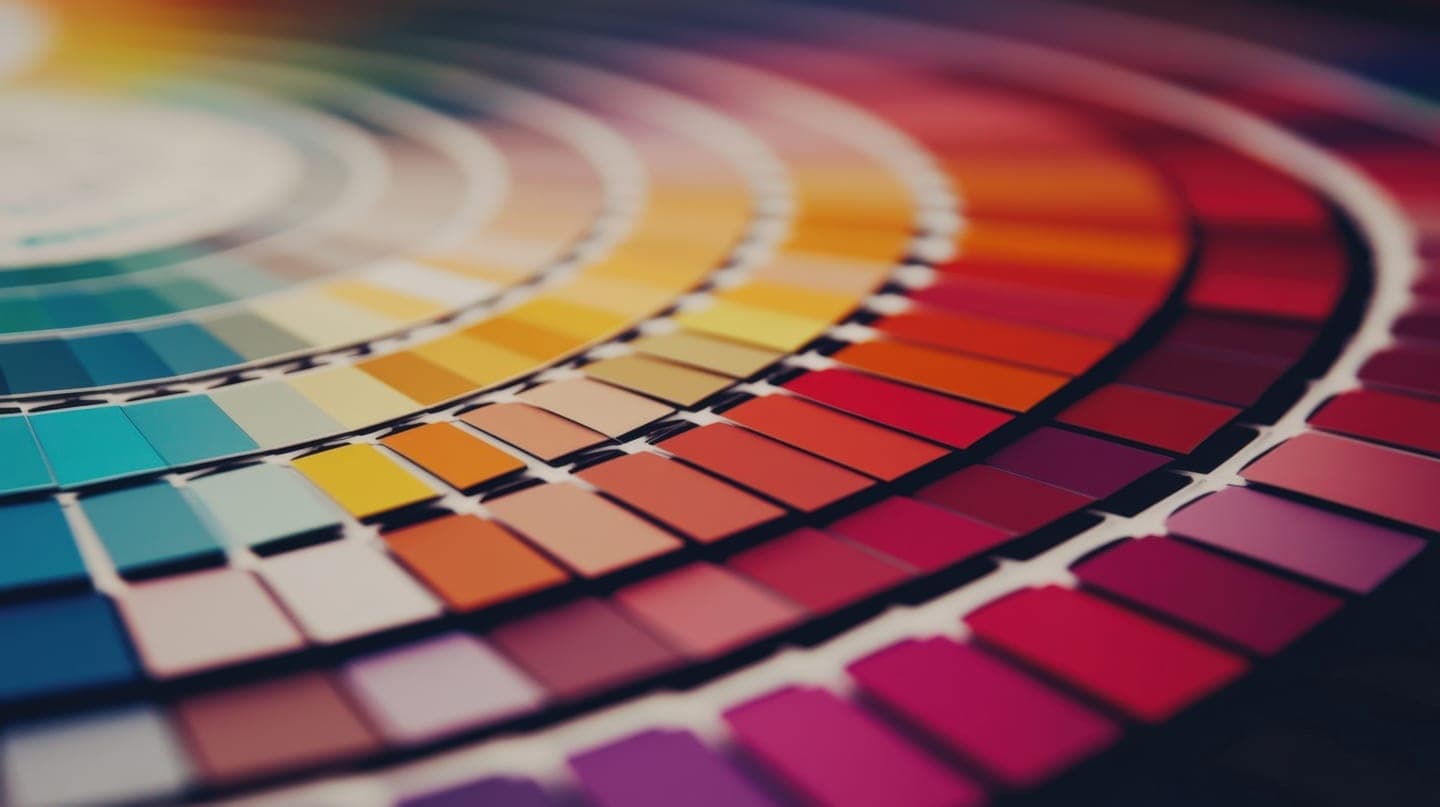
Make it unmistakably yours
Colours, patterns, frames and your logo. Codes that look designed, not generated, and still scan every time.
- Colours & patternsSix styles free, gradients on Pro
- Your logoError correction adjusts automatically so it still scans
- FramesAdd a “Scan me” frame in your brand colours
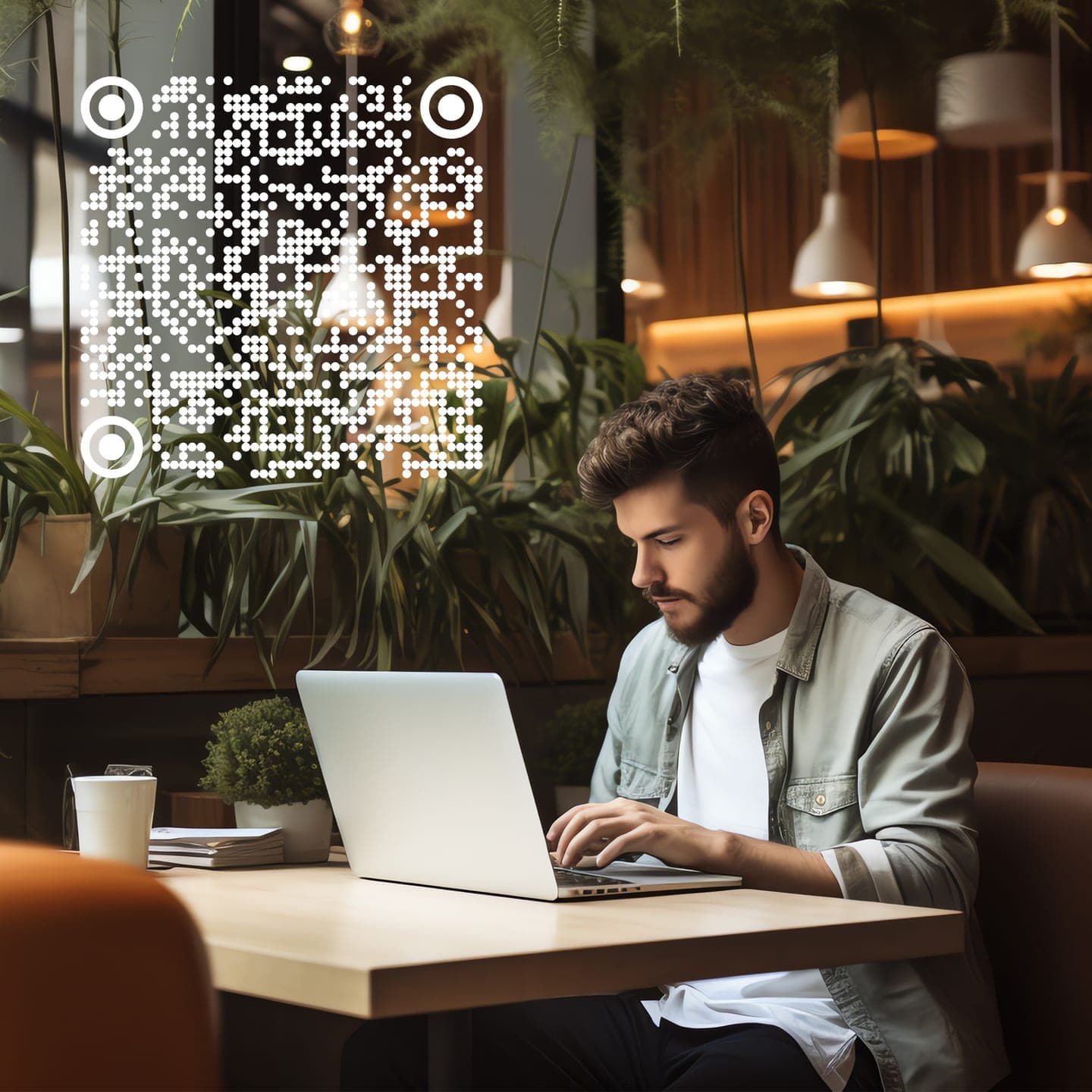
Print-ready, every format
Download crisp files for packaging, posters, menus or screens. Sized for the job, from social posts to large print.
- SVGVector output that stays sharp at any size
- PNG & transparent PNGUp to 2000 × 2000 px
- PDFReady for your printer
Pricing
Free to start, Pro to scale
Upgrade when you need more. Cancel anytime.
Free
Everything you need to get started
$0/month
- 2 dynamic QR codes
- 5 static QR codes
- Colours, patterns, frames and logo
- Scan tracking on dynamic codes
- PNG, SVG, JPEG and PDF export
Pro
Most popularFor businesses and power users
$9.99/month
- Unlimited dynamic QR codes
- Unlimited static QR codes
- Gradient patterns and premium frames
- Full analytics: places, devices, peak times
- Priority support
By upgrading you agree to the Terms. Pro starts as soon as you pay. Available in the US only.
A TruLight Studio product. Prices before sales tax. Billed by TruLight Studio, shows as TRULIGHT LIVEDOT on your statement. Cancel any time.
Subscriptions renew automatically. Cancel to stop future billing.
After cancelling, Pro stays active until the end of your billing period. Learn more
FAQ
Questions, answered
What’s the difference between dynamic and static QR codes?
A static code stores its content in the pattern itself, so it can never change. A dynamic code stores a short link that LIVE DOT redirects, so you can change where it points after printing and see how often it’s scanned.
Can I really change a code after it’s printed?
Yes, for dynamic codes. Edit the destination or the page content in your dashboard and every printed copy opens the new version straight away. The pattern never changes, so there’s nothing to reprint.
Do my QR codes expire?
No. Static codes work forever because they don’t depend on us. Dynamic codes keep working as long as they’re active in your account. On the Free plan that’s up to 2 dynamic and 5 static codes.
What happens if I cancel Pro?
Pro stays active until the end of your billing period. After that, codes beyond the Free limits are paused rather than deleted, and they start working again as soon as you upgrade.
What does the analytics show?
For dynamic codes: scans over time, unique scanners, top countries and cities, devices and operating systems, and the busiest days and hours.
Can I add my logo and brand colours?
Yes. Pick colours, a pattern and a frame, and upload your logo. Error correction is raised automatically when you add a logo so the code still scans reliably.
Which file formats can I download?
PNG (including transparent), JPEG, SVG for perfect scaling, and PDF for print, at up to 2000 × 2000 px.
Something else? Ask us